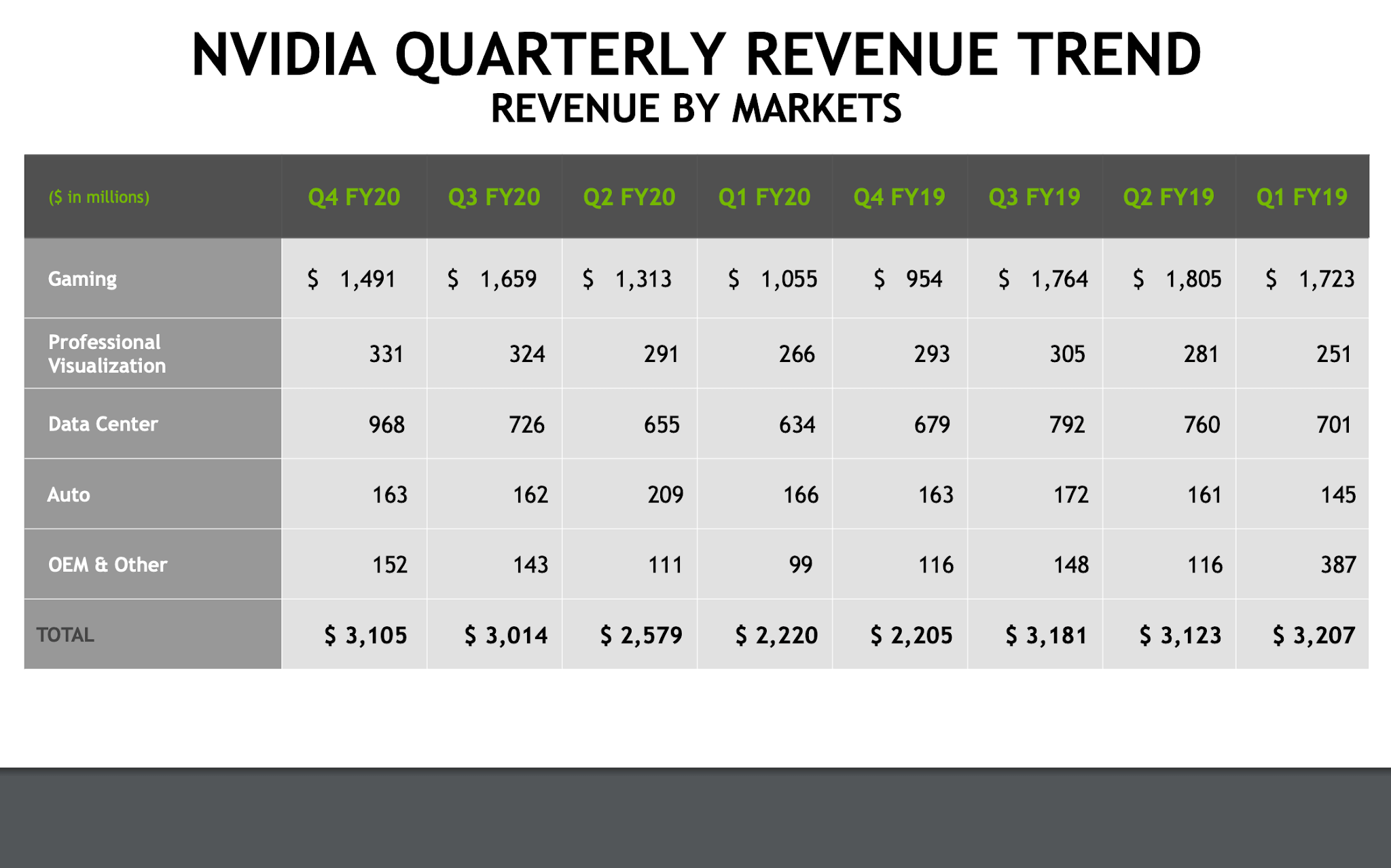
NVIDIA cites increasing GPUdemand from data centers and gaming
NVIDIA reported quarterly revenue of $3.11 billion, up 41 percent from $2.21 billion a year earlier, and up 3 percent ...

NVIDIA develops GPUs, accelerated computing platforms, AI infrastructure, networking technologies, and software frameworks for cloud, enterprise, and hyperscale data centers.
| Headquarters | Santa Clara, California |
| CEO | Jensen Huang |
| Founded | 1993 |
| Ticker | NASDAQ: NVDA |
| Primary Focus | AI Infrastructure, GPUs, Networking, Accelerated Computing |
NVIDIA reported quarterly revenue of $3.11 billion, up 41 percent from $2.21 billion a year earlier, and up 3 percent ...
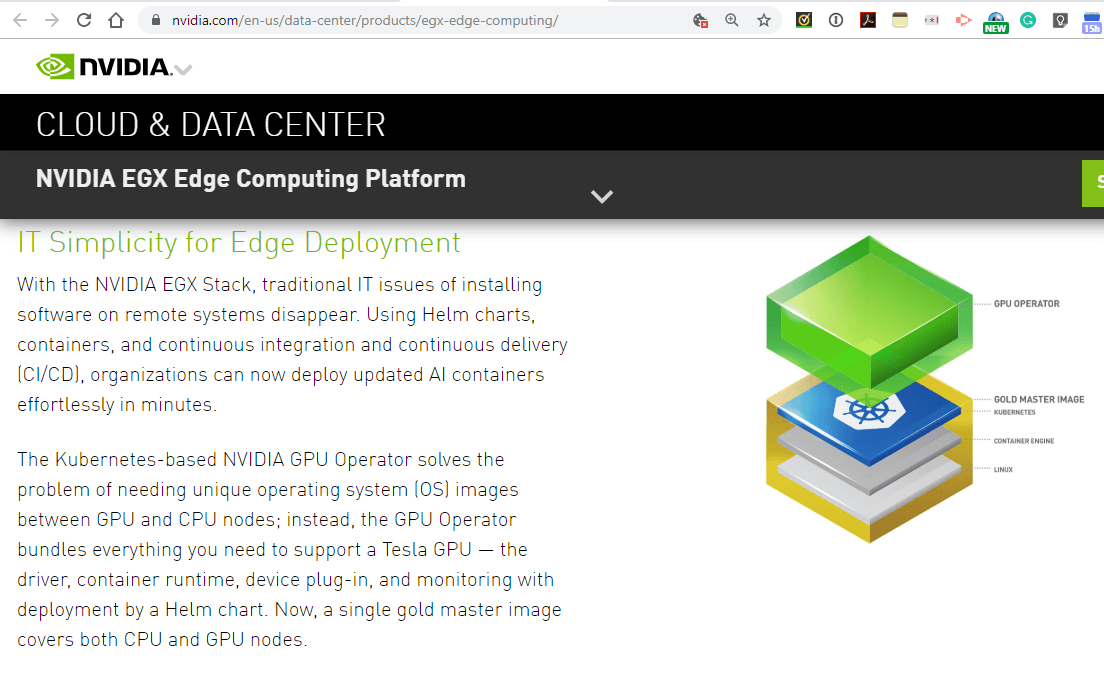
NVIDIA introduced a high-performance, cloud-native edge platform. The NVIDIA EGX Edge Supercomputing Platform combines NVIDIA CUDA-X software with NVIDIA-certified GPU ...

Ericsson and NVIDIA are collaborating on technologies for virtualized 5G radio access networks (RAN). The companies said their ultimate goal ...
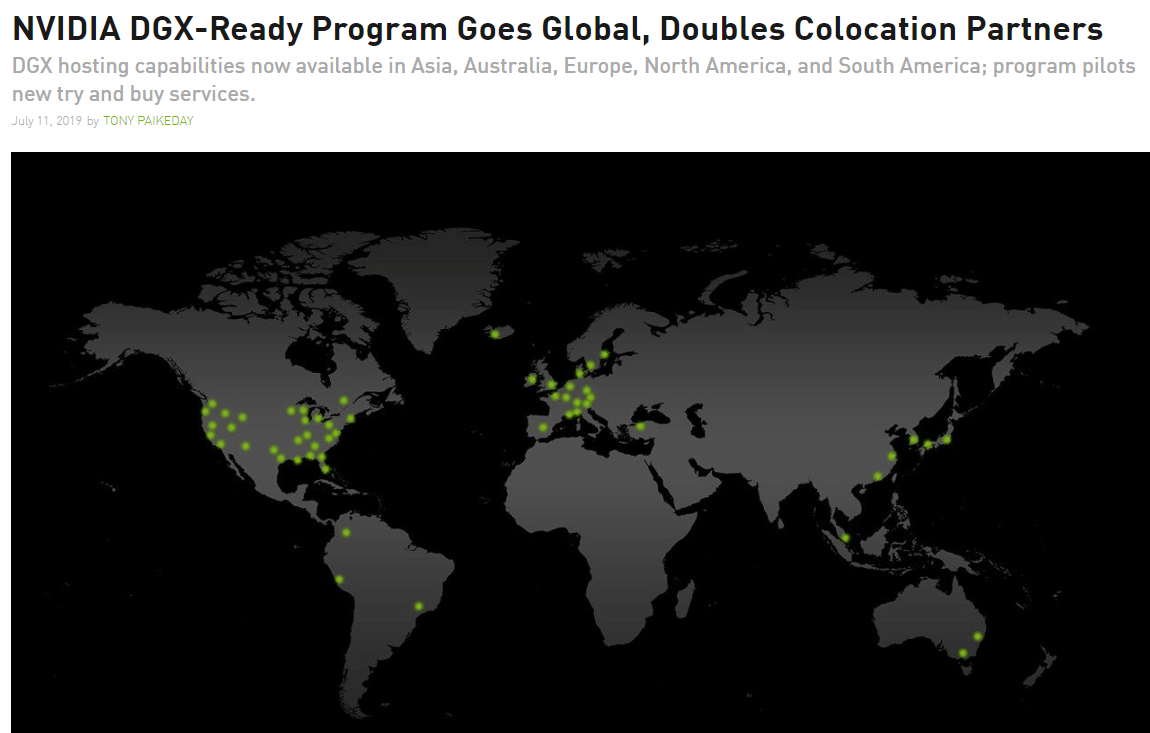
NVIDIA announced the international expansion of its DGX-Ready Data Center program with three new partners in Europe, five in Asia ...
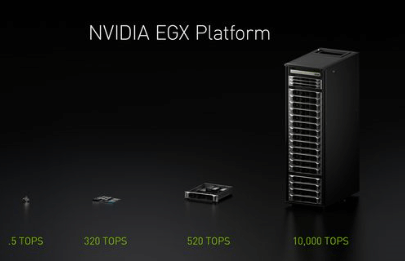
NVIDIA introduced its EGX edge computing platform for performing low-latency AI on continuous streaming data between 5G base stations or ...
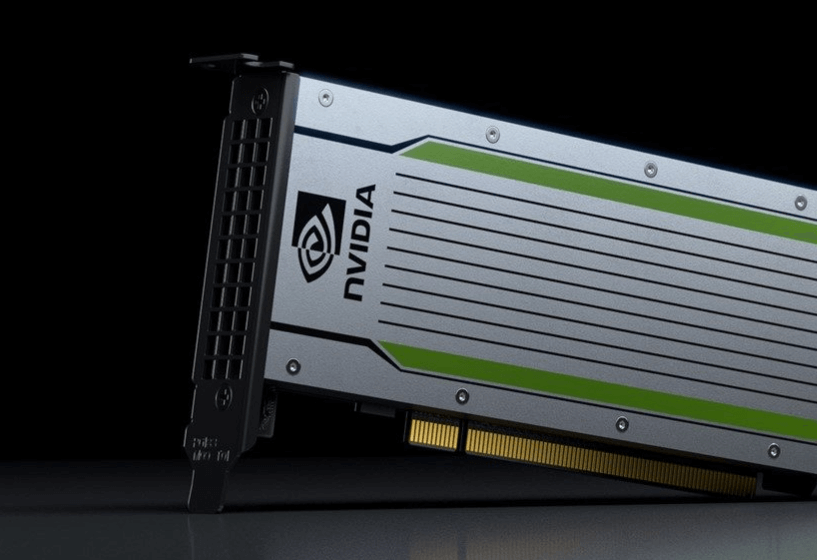
Amazon Web Services will begin offering NVIDIA T4 Tensor Core GPUs as part of its Amazon Elastic Compute Cloud (EC2) ...

NVIDIA agreed to acquire Mellanox in a deal valued at approximately $6.9 billion. The merger targets data centers in general ...
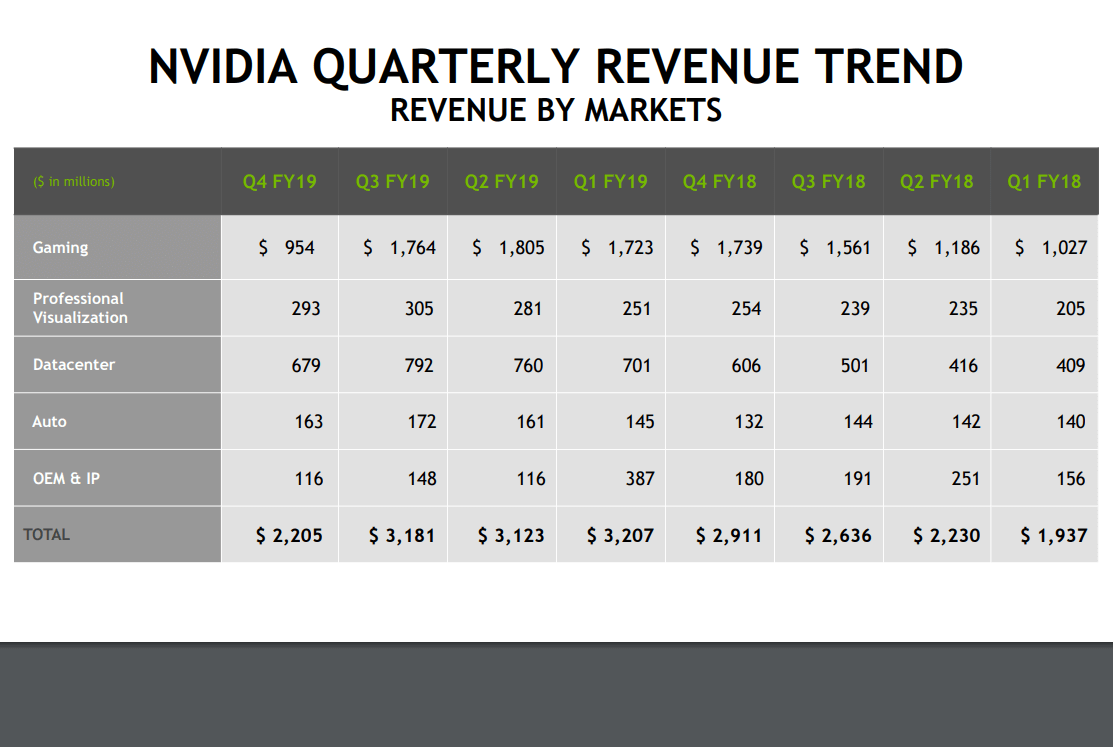
NVIDIA reported revenue of $2.21 billion for its fourth quarter ended Jan. 27, 2019, down 24 percent from $2.91 billion ...
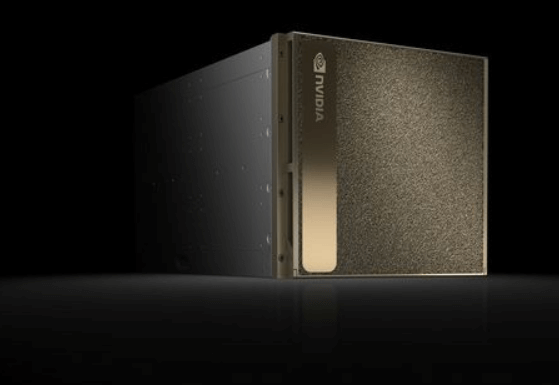
Microsoft Azure will begin offering NVIDIA Tesla GPU-accelerated Quadro Virtual Workstation (Quadro vWS). Customers can spin up a GPU-accelerated virtual ...
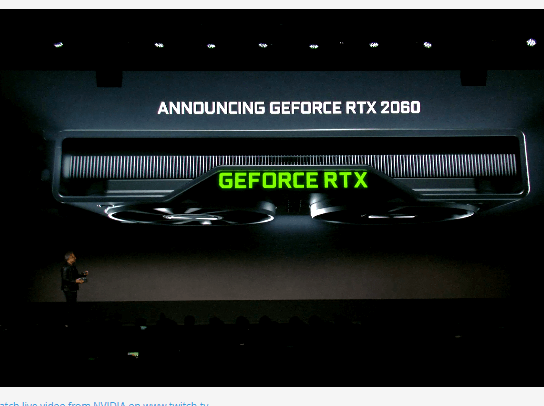
NVIDIA now estimates its Q4 revenue to be $2.20 billion compared to previous guidance of $2.70 billion. The company cited ...

NVIDIA reported revenue of $3.12 billion for its second quarter ended July 29, 2018, up 40 percent from $2.23 billion ...
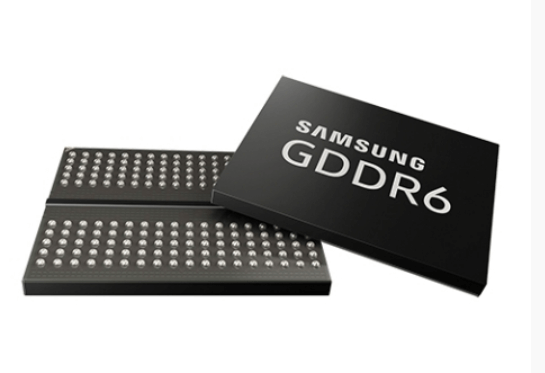
Samsung Electronics has supplied its latest 16-gigabit (Gb) Graphics Double Data Rate 6 (GDDR6) memory for NVIDIA’s new Turing architecture-based ...

Google Cloud Platform began offering virtual workstations optimized for graphics-intensive applications and machine learning inference based on the NVIDIA Tesla ...







A private dossier for networking and telecoms